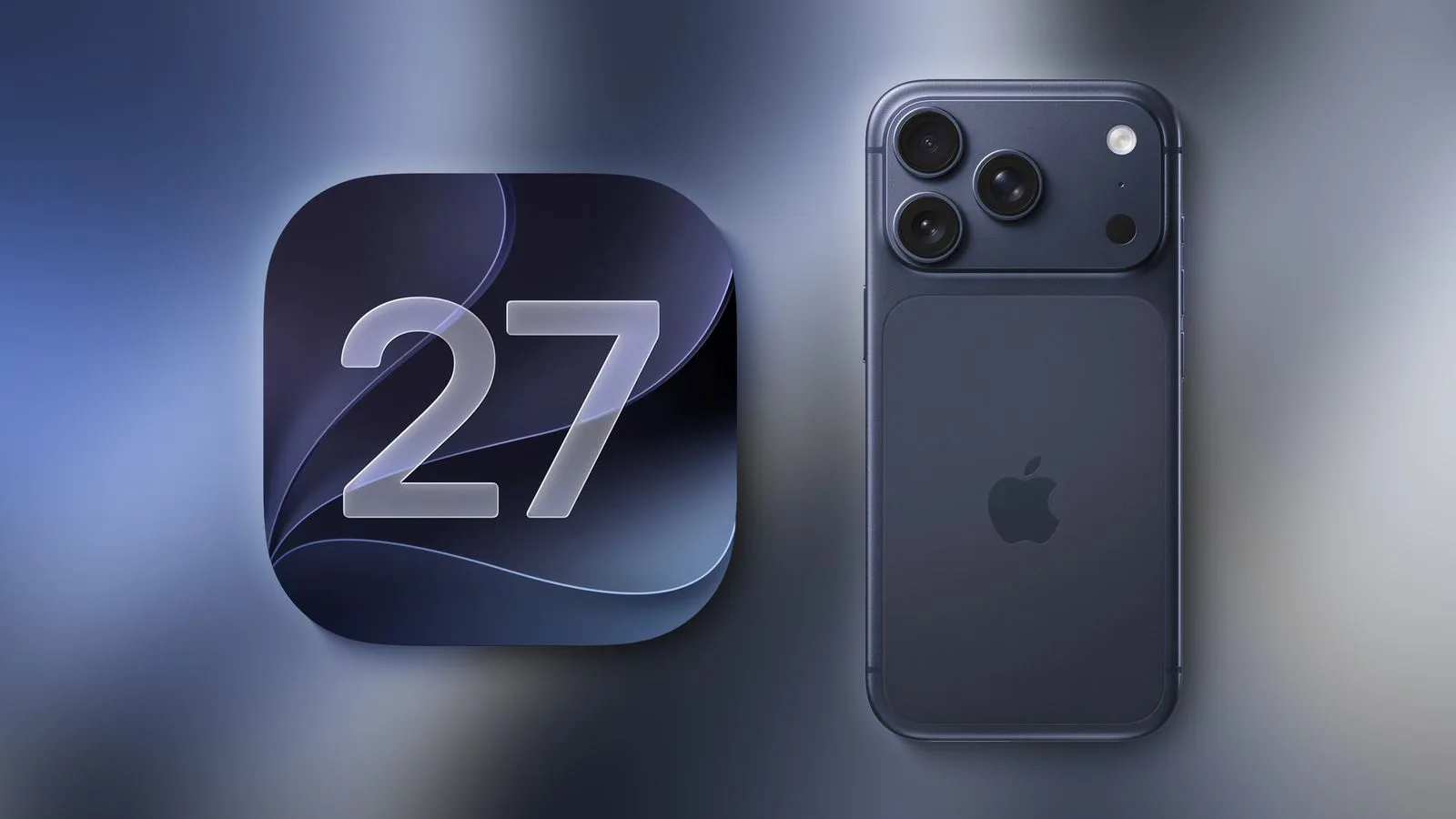
Apple pushed iOS 27 out to the public on Monday, September 14, closing a beta cycle that started at WWDC on June 8 and ran through eight developer builds. The update is free, it installs on iPhones going back to the 2019 iPhone 11, and it carries the most consequential software change Apple has shipped in years: Siri, torn down and rebuilt on generative AI models. The catch is that the thing everyone actually wants from this release isn’t available to everyone who can install it, isn’t available in every country, and ships with a beta label attached.
That tension runs through the whole update. iOS 27 is genuinely one of the better iOS releases of the past decade if you judge it on speed, polish, and the number of small annoyances Apple finally fixed. Judged on the AI promises Apple has been making since 2024, it’s a strong first draft with conditions stapled to it.
Siri AI Is the Entire Pitch
The new Siri behaves less like a voice remote and more like a chatbot that happens to live inside your phone. It handles back-and-forth conversation, remembers what you asked two questions ago, and can chain multiple requests into one instruction. Four capabilities do most of the heavy lifting.
Personal context is the one people will notice first. Apple rebuilt the underlying search index, so Siri can pull an answer out of an old email, a text thread, a note, or your photo library without you remembering where it lives. Ask for the door code someone texted you in March, or the confirmation number for Thursday’s flight, and it goes and finds it.
Onscreen awareness lets Siri read whatever you’re looking at in any app. Broad world knowledge means it searches the web instead of shrugging. App Actions let it actually do things — draft the reply, move the 2 p.m. meeting, dump today’s photos into a shared album.
The interface changes to match. Siri now lives in the Dynamic Island, and swiping down from the center of the screen opens a Search or Ask field that replaces Spotlight entirely. Notification Center moves to a swipe from the top-left corner, which will take about a week to stop feeling wrong. There’s also a standalone Siri app with a conversation history that syncs across your devices.
Apple built the underlying foundation models in partnership with Google, drawing on Gemini technology, and some of the heavier requests run on Private Cloud Compute servers — including, for the first time, Apple workloads running on Google Cloud infrastructure using Nvidia hardware. That’s a notable admission from a company that spent two years insisting it could do this alone.
Visual Intelligence Moves Into the Camera
Visual Intelligence has been folded into the Camera app as a new Siri Mode sitting alongside Photo and Video. Point, shoot, swipe down, and Siri tells you what it’s looking at. It can read nutritional information off a plate of food, pull several events off a paper schedule into Calendar at once, turn a business card into a contact, split a restaurant bill and send the requests through Apple Cash, or convert a barcode on a physical membership card into a Wallet pass.
Three Tiers, One Update
This is where the release gets messy. Installing iOS 27 doesn’t mean getting iOS 27’s headline features.
| Tier | iPhones | What you get |
|---|---|---|
| Base | iPhone 11 through 14, iPhone 15 and 15 Plus, iPhone SE (2nd gen and later) | Liquid Glass refinements, performance gains, new Photos, Safari, Messages, Wallet and parental control features. No Apple Intelligence. |
| Apple Intelligence | iPhone 15 Pro and later, including 16 series, 16e, 17, 17e | Everything above plus Siri AI, Visual Intelligence, AI photo editing, Image Playground, Call Context |
| Full stack | iPhone 17 Pro, 17 Pro Max, iPhone Air, iPhone 18 Pro and Pro Max | Everything above plus a customizable Siri voice with adjustable pace and expressivity, and upgraded on-device dictation |
Siri AI launches in English only. French, Japanese, Korean, Portuguese, and Spanish follow in October. It isn’t available in China at all, and in the European Union it’s missing on iPhone, iPad, and Apple Watch because of unresolved Digital Markets Act questions — though Mac and Vision Pro users in Europe do get it. Anyone in the EU buying an iPhone 18 Pro this week is paying flagship money for a phone whose flagship feature is switched off.
Two Features Didn’t Make the Plane
Apple quietly updated its own feature pages before launch to flag two capabilities as “coming in a future software update.” Suggestions in Messages, which surfaces one-tap actions based on what a conversation is about, isn’t in this build. Neither is the Passwords feature that uses Safari and Apple Intelligence to log into a site and replace a compromised password on your behalf.
Both were demoed months ago and both were present during beta testing. Since the foldable iPhone Duo ships on October 23 with iOS 27.1 preinstalled, that point release is the earliest realistic landing spot — and Apple hasn’t committed even to that.
Free Today, Metered Later
Buried in a footnote on Apple’s iOS 27 and Apple Intelligence pages is the clearest signal yet that Apple Intelligence won’t stay entirely free. Server-backed features including Siri AI, Image Playground, the cloud models in Shortcuts, and the Clean Up, Extend, and Spatial Reframing photo tools are subject to daily usage limits. Hit one and that feature times out for a while.
Apple hasn’t published what the limits are, what happens on screen when you hit one, or what the eventual fee will be. At WWDC the company said higher iCloud+ tiers would come with expanded access. In September it said expanded access “will be available for a fee in the future.” Those two statements haven’t been reconciled. Home app video summaries already have explicit tiering: a 2TB iCloud+ plan covers one camera, 6TB covers two, 12TB covers five.
The Sleeper Upgrade Is Speed
Strip out the AI, and there’s still a serious performance release here. Apple says apps launch up to 30 percent faster, AirDrop transfers up to 80 percent faster, and freshly captured photos load up to 70 percent faster in a large library. CPU scheduler optimizations were extended all the way back to the iPhone 11, so older hardware genuinely benefits rather than getting slower, which is not how these updates usually go.
The small stuff adds up too. Failed iMessages retry automatically. Sending a big video no longer freezes the rest of the conversation. Emoji keyboards load without a pause. The Camera opens quickly in Low Power Mode. Wi-Fi to cellular handoffs drop fewer calls. Liquid Glass gets a translucency slider, which is Apple’s polite way of admitting last year’s design was hard to read.
Parents get the deepest Screen Time overhaul in years: Time Allowances by app category, day-based schedules, Ask to Browse approval for new websites, contact approval for Messages and FaceTime, and Communication Safety now blurring gore and violence, not just nudity.
What This Means
If you’re on an iPhone 15 Pro or newer, update. Siri AI won’t replace ChatGPT or Claude for hard reasoning work, and early testers have been consistent that it’s roughly where the major chatbots were six months to a year ago. But it’s the only assistant with permission to read your mail, your messages, and your photo library and act on what it finds, and that access matters more in daily use than raw model quality.
If you’re on an older iPhone, update anyway — for the speed, not the AI. This is the rare iOS release that makes a five-year-old phone feel better rather than worse.
And if you’re in the EU, or you were waiting on Messages suggestions, or you assumed unlimited AI was part of the deal, iOS 27 is the release where Apple’s asterisks finally got too big to ignore. The software is good. The fine print deserves a careful read.