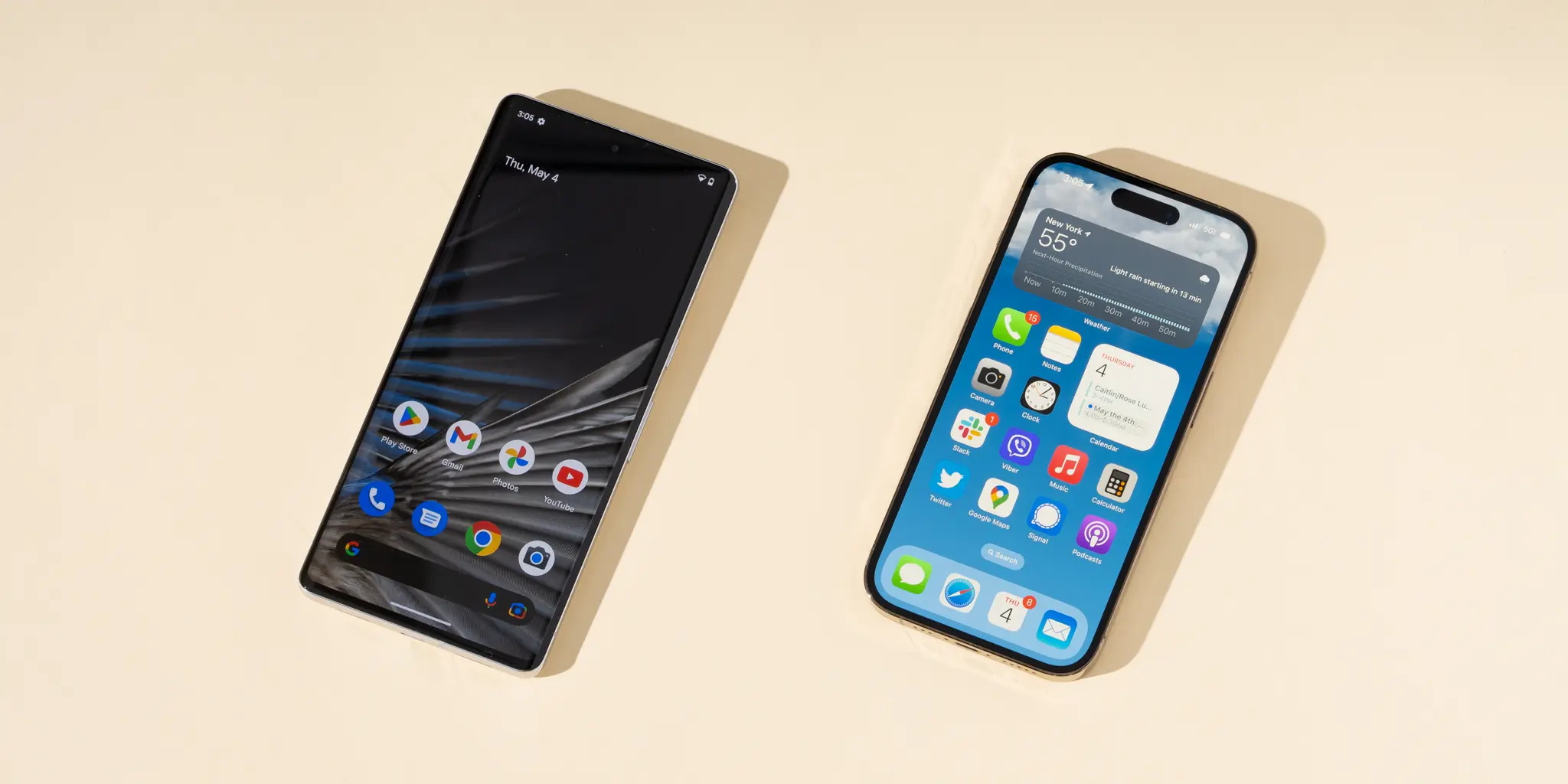
Switching from Android to iPhone sounds simple enough: move your photos, re-download your apps, enjoy the polish. But the reality is that the downsides of switching from Android to iPhone usually show up after the honeymoon period, when your old habits crash into Apple’s very different way of doing things.
If you’re considering a move from Android to iOS, it’s not about one platform being better overall. It’s about whether the trade-offs match how you actually use your phone every day. And some of those trade-offs are bigger than they look from the outside.
Notifications: Less Control, More Friction
Notifications are often the first real culture shock when you leave Android for iPhone. On Android, the notification shade doubles as a powerful control center: you can expand, reply, dismiss, snooze, or fine-tune almost anything without opening the app.
On iOS, that power is scaled back. From the lock screen, you lose familiar Android tricks like marking a message as read directly or firing off smart replies in a couple of taps. If you’re used to managing conversations from your notification shade, the iPhone’s approach can feel like a step backward.
Reactions are more limited, too. On many Android messaging apps, you can tap a tiny thumbs-up or heart to silently acknowledge a text. On iPhone, some of those quick interactions simply aren’t an option, so you end up opening the app or sending a full reply where a subtle reaction used to do the job.
The deeper problem is control. Android lets you slice notifications by type — for example, letting a shopping app ping you about deliveries but silencing its promo blasts. With iOS, you mostly get per-app switches for banners, sounds, and badges. Useful, but nowhere near as granular as Android’s category-based system. If you like finely tuned alerts, you’ll feel the downgrade.
Navigation: Your Muscle Memory Will Lose This Fight
Modern Android phones have taught millions of people one simple rule: swipe from either side of the screen to go back. It’s reliable, it’s consistent, and it works inside almost every app.
On iPhone, things aren’t that uniform. There is a back gesture — a left-edge swipe — but it only works in some apps and some screens. Others hide the back action in a small button floating at the top-left or top-right corner, exactly where your thumb does not want to go on a tall display.
Individually, these moments are minor annoyances. Pile them up over weeks, though, and they become a constant hassle as your Android muscle memory collides with iOS’s more fragmented navigation patterns. You’ll catch yourself swiping back out of habit and… nothing happens.
If you’re comfortable retraining your fingers and thumbs, this is a temporary issue. But for long-time Android users, the day-one navigation experience on iPhone can feel unexpectedly clumsy.
Typing on iOS: The Keyboard Clampdown
Plenty of Android people live inside Gboard or another favorite keyboard — complete with tailored autocorrect, multilingual typing, and powerful predictions. Moving to iPhone can make that carefully tuned experience vanish overnight.
Apple’s built-in keyboard is competent, but many Android veterans describe its autocorrect as aggressive and not always accurate, and the text prediction as a step down from what they are used to. That alone can be irritating if you type a lot, but the bigger issue is how iOS treats third-party keyboards.
You can install alternatives like Gboard or SwiftKey on an iPhone, yet they never get the same level of access they enjoy on Android. To unlock their fuller feature set, you have to grant something called Full Access, which many users are understandably cautious about. And even after doing that, iOS still doesn’t trust them in every scenario.
When you enter sensitive information — think passwords or credit card numbers — iOS automatically kicks you back to Apple’s native keyboard. You get a hard reminder that, on iPhone, the system decides where third-party keyboards are allowed to play and where they’re not.
For casual typists, this might be a small irritation. For people who live on their phones, the loss of a fast, reliable keyboard workflow can be one of the most painful downsides of switching from Android to iPhone.
Customization: From Anything Goes to Apple’s Rules
Android is famous for letting you reshape your phone into whatever you want. New launcher? Go ahead. Icon pack? Entirely new home screen layout? Gesture remapping? Have fun. For a certain kind of user, this is the heart of the platform’s appeal.
iOS today is more flexible than it used to be. You can tint app icons, redesign your lock screen controls, and arrange widgets in ways that would’ve been unthinkable on older iPhones. But even with those upgrades, it’s still nowhere near Android’s “make it yours” philosophy.
There’s no true equivalent to a custom launcher that can overhaul the look and behavior of your entire interface. You’re working within Apple’s frame, adjusting what’s allowed rather than reinventing the whole experience. If your phone is just a tool, you might not care. If you’ve spent years dialing in a highly personalized Android setup, you will absolutely notice the limits.
This is especially important if you’ve built specific workflows around launchers, gesture shortcuts, or deep home-screen customization. On iPhone, those often have to be rebuilt from scratch — and sometimes they’re simply not possible at all.
Charging Speed: Still Behind Android’s Best
Battery life on modern phones has improved, but overnight or quick top-up charging is still a daily reality. Here, iPhones remain more conservative than many of their Android rivals.
The latest iPhones support up to 40W wired charging. That’s an upgrade for Apple, but it’s still behind some of the competition. Samsung’s Galaxy S26 Ultra, for example, has pushed its wired charging up to 60W, which is enough to get you to roughly three-quarters full in about half an hour.
Even those numbers look modest next to some of the Chinese Android brands. Devices from manufacturers like OnePlus and Xiaomi are shipping with wired charging speeds between 80W and 120W. That kind of power can take a phone from nearly empty to a very usable level while you make coffee.
If you’re coming from one of those fast-charging Android phones, the iPhone’s more measured approach will feel slow, especially on busy days when you need a meaningful boost in minutes, not hours.
Who Will Actually Feel the Pain of Switching?
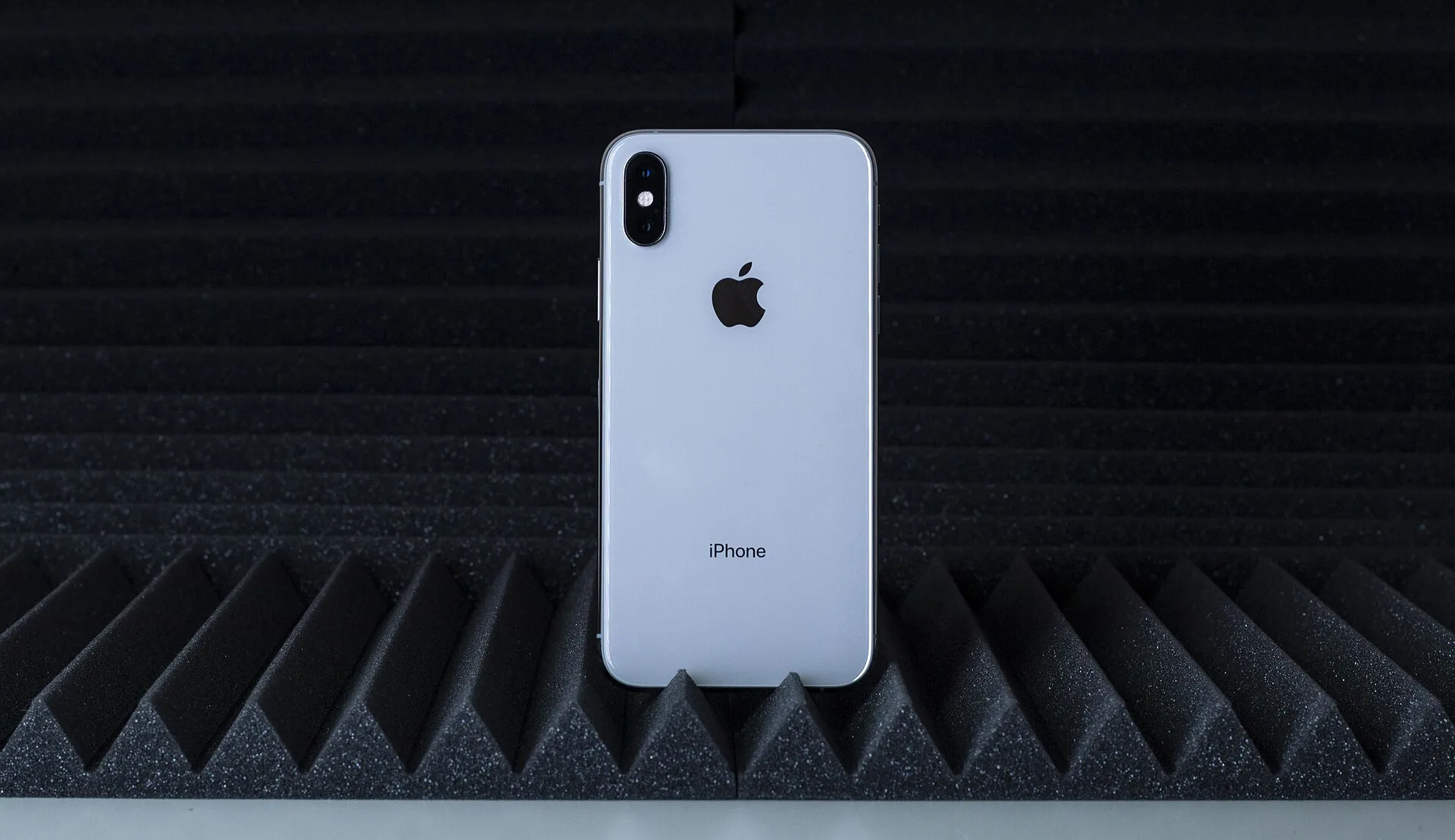
Not every Android user will struggle with the same issues. The downsides of switching from Android to iPhone hit hardest if you fall into at least one of these camps:
- Notification power users who rely on advanced controls, categories, and lock screen actions.
- Customization fans who use launchers, icon packs, and gesture tweaks to mold their phone.
- Heavy typists who depend on specific third-party keyboards and smart predictions.
- Busy professionals who lean on ultra-fast charging to survive hectic schedules.
If that sounds like you, the switch will mean sacrificing convenience you already depend on. You’ll gain iOS strengths — fluid performance, tightly integrated hardware and software, and premium build quality — but you’ll have to rebuild or abandon some daily habits along the way.
On the other hand, if you mainly use your phone for social apps, photos, calls, texts, and light browsing, the gaps may not feel nearly as harsh. You might notice slightly slower charging or a different notification style, but those changes won’t necessarily define your experience.
Balancing iOS Strengths Against Android Losses
It’s important to separate frustration from failure. None of these limitations mean the iPhone is a worse device in absolute terms. They mean it’s designed around a different set of priorities than Android.
Apple leans hard into control and consistency: tighter guardrails on third-party keyboards, stricter notification structures, and a more curated approach to customization. You give up some freedom, but you get a system that feels cohesive from top to bottom.
Android, by contrast, rewards tinkering. From notification channels to custom launchers and high-wattage charging, it’s built to let manufacturers and users push boundaries — sometimes at the cost of uniformity.
Whether the downsides of switching from Android to iPhone matter to you comes down to your own habits. If you rarely adjust notification channels or swap keyboards, you might be perfectly happy trading Android’s flexibility for iOS’s polish.
What This Means
If you’re on the fence, treat a platform switch like moving apartments rather than buying a new couch. You’re not just changing hardware; you’re changing how your phone behaves at almost every level.
Before you jump, take an honest inventory of what you love about your current Android setup. Is it ultra-fast charging? Hyper-custom home screens? Fine-grained notification control? If you answer yes to more than one, be prepared: those are exactly the areas where the iPhone asks you to compromise.
None of that erases what iOS gets right. People flock to iPhones for their smooth performance, tight hardware-software integration, and premium feel, and those strengths are very real. The key is to walk in with eyes open, knowing that some of the things Android does best are missing or muted on the other side.
If you can live without that extra control — or you’re excited to trade it for Apple’s more opinionated approach — you’ll likely enjoy the switch. But if your favorite parts of Android live in the margins and power-user features, the most important thing you can do is acknowledge the downsides of switching from Android to iPhone before you make the leap.
Photo: Pangkakit at Japanese Wikipedia / CC BY 2.5 via Wikimedia Commons | Photo: Cullen Steber / CC BY-SA 4.0 via Wikimedia Commons