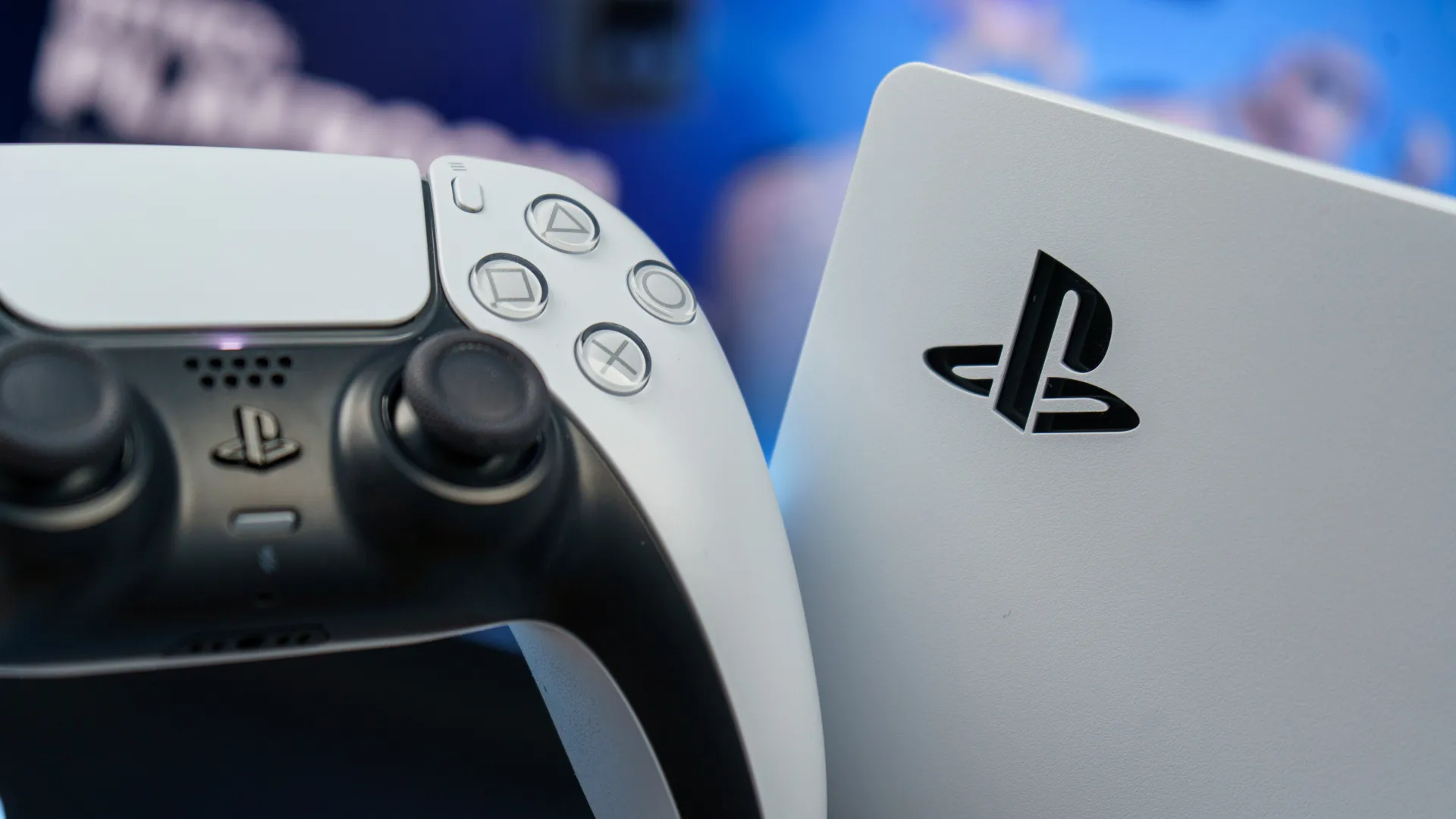
Sony has rolled out a new PS5 system update, bringing the console to firmware version 26.05-13.60.00. If you’re hoping for meaningful new features or interface overhauls, you can stop reading now—but if you want to understand what this update actually does and why Sony keeps releasing these seemingly empty patches, stick around.
For the uninitiated, July has become something of a tradition for understated PlayStation updates. This month’s patch follows the same playbook that Sony has executed dozens of times before: a download prompt appears, the file transfers to your console, and afterward, absolutely nothing looks or feels different. The cycle repeats. Yet these updates remain important, and understanding why reveals a lot about how modern console maintenance works.
Another Month, Another Generic Update
According to Sony, today’s system update improves “messages and usability on some screens.” That’s it. That’s the entire public changelog. No performance benchmarks to celebrate. No new toggles buried in Settings. No interface redesigns. Just a cryptic reference to message improvements that most players will never consciously notice.
The update itself clocks in at approximately 1.2 GB, applying to both the standard PS5 and the PS5 Pro. If you have automatic downloads enabled—and honestly, who doesn’t at this point—the update likely installed itself without you even knowing. For those who prefer to manually control their firmware, you can trigger it through Settings > System > System Software > System Software Update.
The sarcasm online has been swift and predictable. Gaming communities have spent the last few hours joking about the monumental achievement of improved message boxes and slightly tweaked screens. One popular sentiment: at least Sony didn’t break anything this time around. That’s the bar we’ve reached in 2026—praise Sony for not introducing new problems.
Why These Minimal Updates Keep Happening
Before you dismiss this patch as pointless, understand that these routine updates serve critical functions that rarely make it into public patch notes. Sony uses these small iterative updates primarily for backend system architecture, addressing potential vulnerabilities at the kernel level and closing potential entry points for homebrew software and exploits. The visible features might be nonexistent, but the invisible work happening underneath matters enormously.
Every one of these quiet updates represents security patches, microcode adjustments, and minor bug fixes that keep the PlayStation Network running smoothly. While manufacturers rarely tout this in marketing materials, these updates are mandatory for continuing to use PlayStation Network services without restrictions. It’s infrastructure maintenance, not flashy innovation.
This isn’t unique to PlayStation, either. Every major gaming platform—Xbox, Nintendo Switch, even Steam Deck—operates on similar rhythms. You get a handful of significant updates each year that introduce features worth talking about. The rest are housekeeping. Summer tends to be especially quiet, as development teams shift focus toward holiday releases and major announcements.
What This Means for Your Console
Here’s the practical question: do you need to install this update? Yes. Does it change how your PS5 operates? Almost certainly not in any way you’ll perceive. Your load times won’t improve. Your games won’t look sharper. Your interface won’t suddenly feel more responsive. But your console will be more secure, more stable, and better equipped to handle the various systems running in the background.
If you’ve been sitting on older firmware for some reason, update. The process is straightforward, takes a few minutes, and requires your console to restart. Just make sure you’re not in the middle of something important before kicking off the installation.
For PS5 Pro owners, the update addresses the same improvements, though the Pro’s additional hardware features remain untouched. There’s no mysterious optimization of PSSR upscaling or newfound performance gains—just the same baseline improvements everyone receives.
The Bigger Picture
One frustration worth acknowledging: PlayStation’s messaging around these updates has never been transparent. Sony could easily explain what security patches are being applied, which background systems received attention, or what specific user-facing bugs were squashed. Instead, we get euphemisms about “performance and stability,” forcing the community to speculate about actual changes.
This vagueness likely stems from security practices—companies don’t typically advertise which vulnerabilities they’ve just patched, as that information can help bad actors find similar openings. It’s the right call from a security standpoint, but it leaves users feeling like they’re installing updates for invisible improvements. That perception has some merit; sometimes these patches genuinely do very little for user experience.
The reality is that most PS5 owners don’t need this update for any features. The games you’re playing right now will run identically with or without it installed. The menus will function the same. Your experience this week won’t meaningfully differ from your experience last week.
What changes is your console’s resilience against emerging threats, its ability to maintain network connectivity without hiccups, and its readiness for whatever comes next. These aren’t compelling selling points for a press release, but they’re the foundation of a healthy gaming platform.
What This Means
If you’ve been skipping PlayStation updates because they seem inconsequential, stop. Install them. Your console is more secure when it’s current, and Sony’s security infrastructure directly impacts your account safety and online gaming experience.
At the same time, if you’re hoping these routine updates will suddenly introduce features PlayStation desperately needs—a proper folder system, better party chat options, meaningful social improvements—temper those expectations. The big features come in major releases that typically arrive around hardware announcements or major PlayStation events. July maintenance patches aren’t where those changes materialize.
For now, download, install, and carry on. Your PS5 will continue doing exactly what it did yesterday, but it’ll do it a little bit safer and a little bit more reliably. In the world of console maintenance, that’s enough.